

Keep. — Photo Cleaner for iPhone
Declutter your camera roll.
Free up storage.
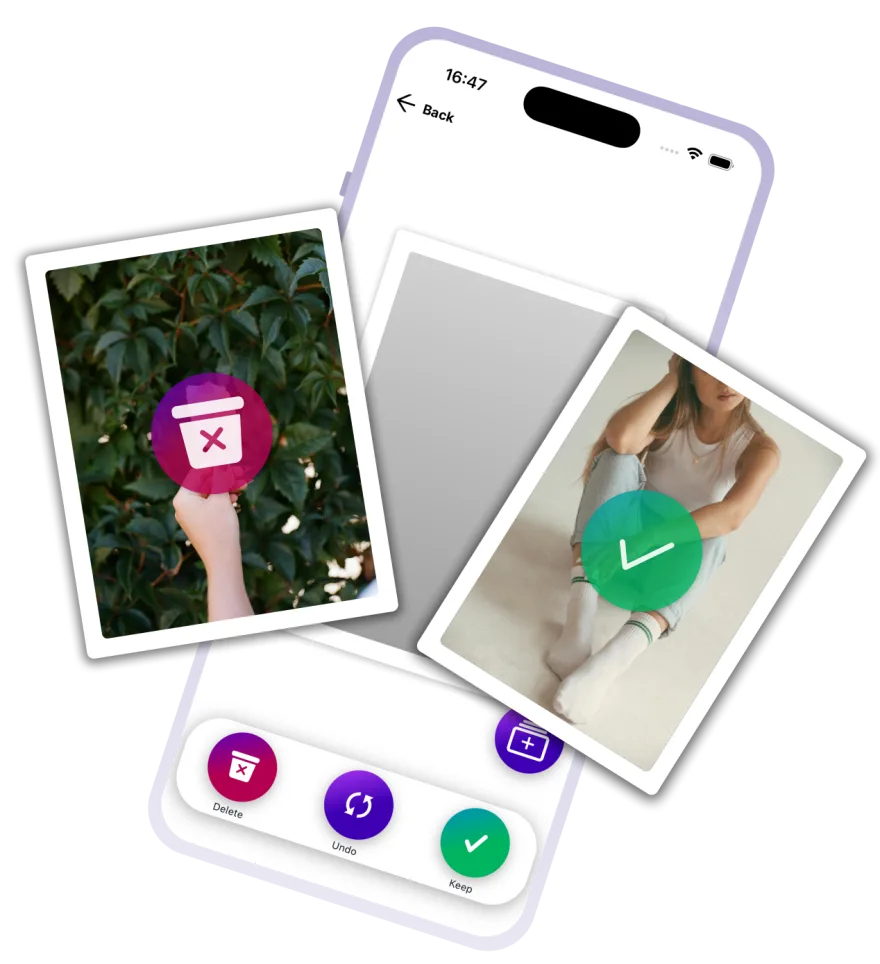
Keep. turns photo cleanup into a single swipe — left to delete, right to keep. Work through screenshots, duplicates and blurry shots and win back gigabytes on your iPhone in minutes.
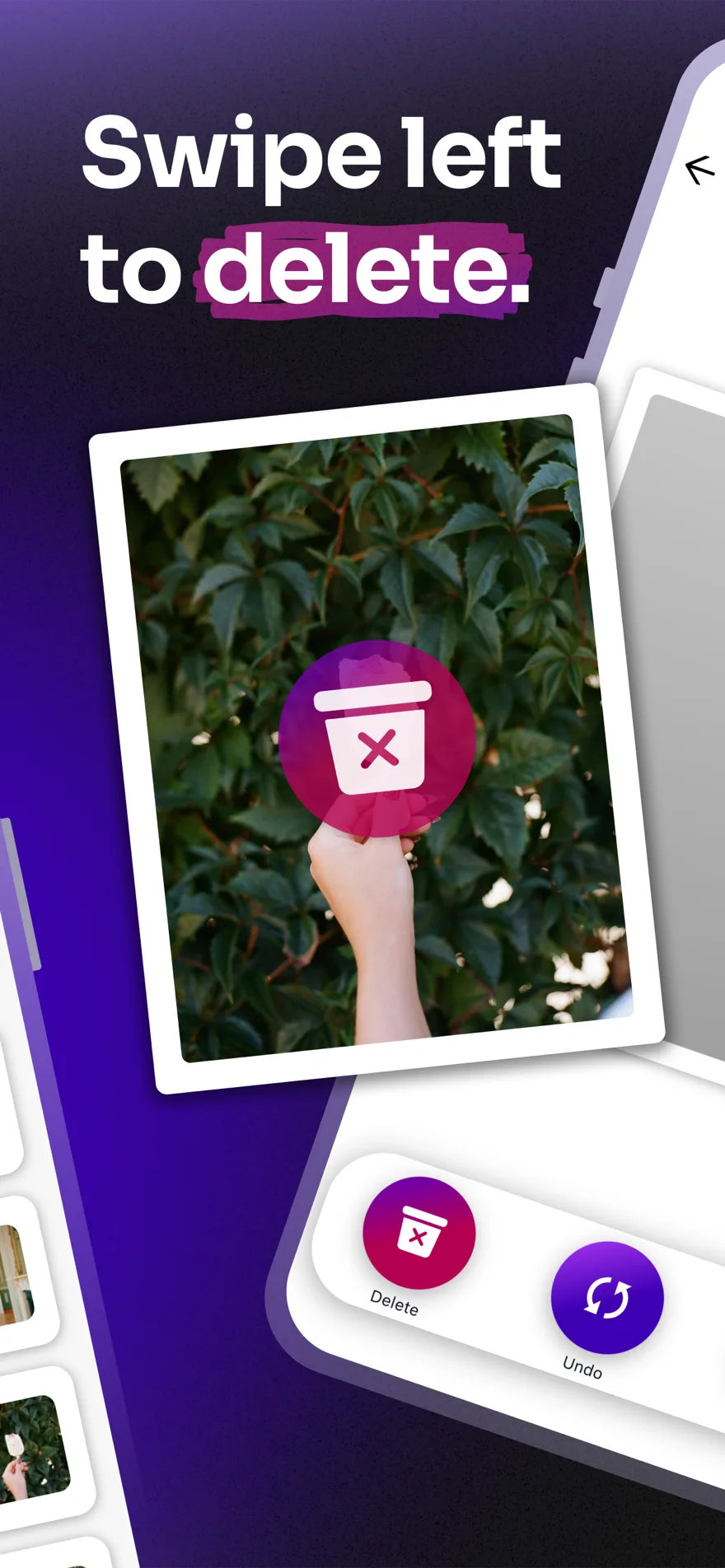
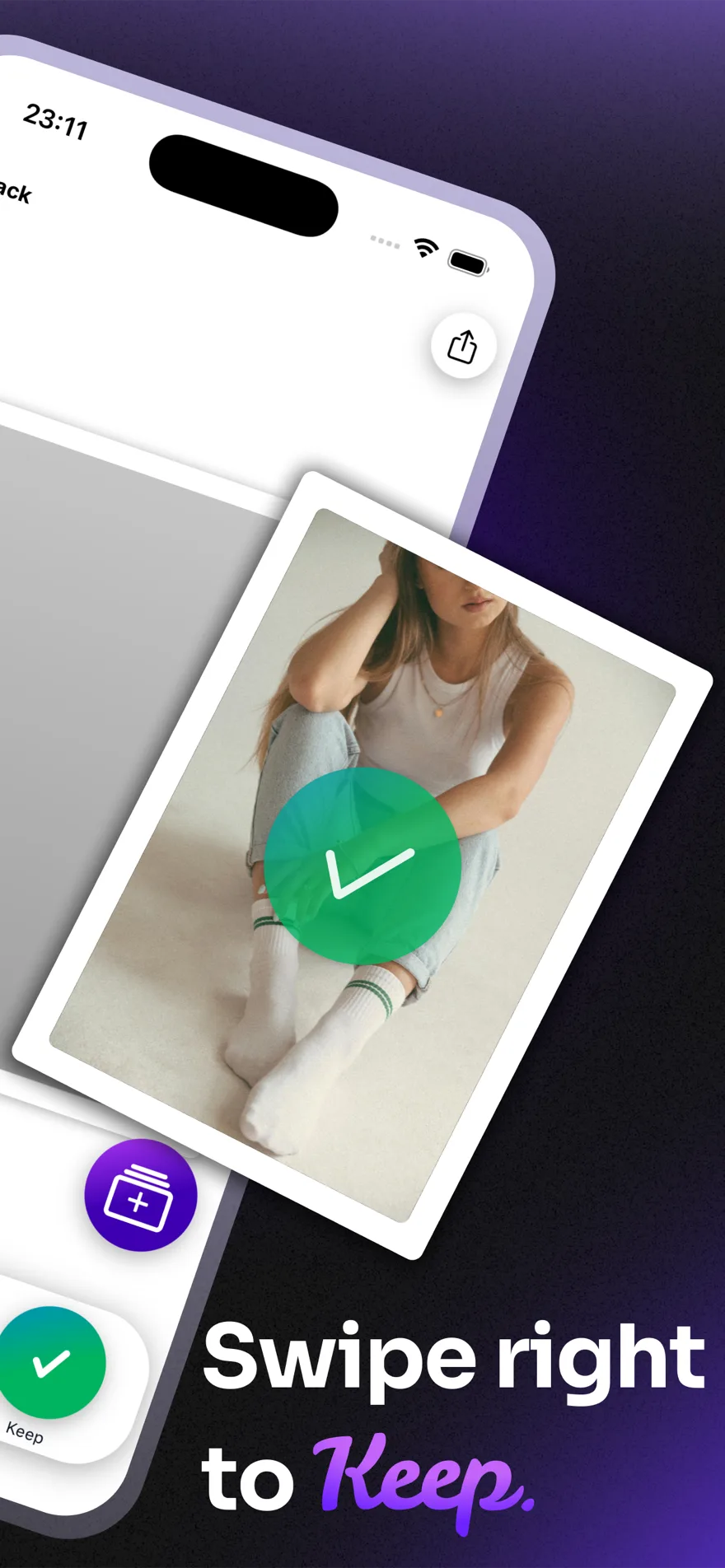
- Swipe left to delete, right to keep
- Undo any swipe instantly
- Sort keepers into albums
Screenshots
See Keep. in action.
Pick your photo set, swipe through your camera roll one shot at a time, and undo any swipe instantly.
How it works
Swipe. Sort. Done.
Blurry shots, duplicates, forgotten screenshots — browse your camera roll one by one, swipe or tap to Keep or Remove, and win back gigabytes in minutes.
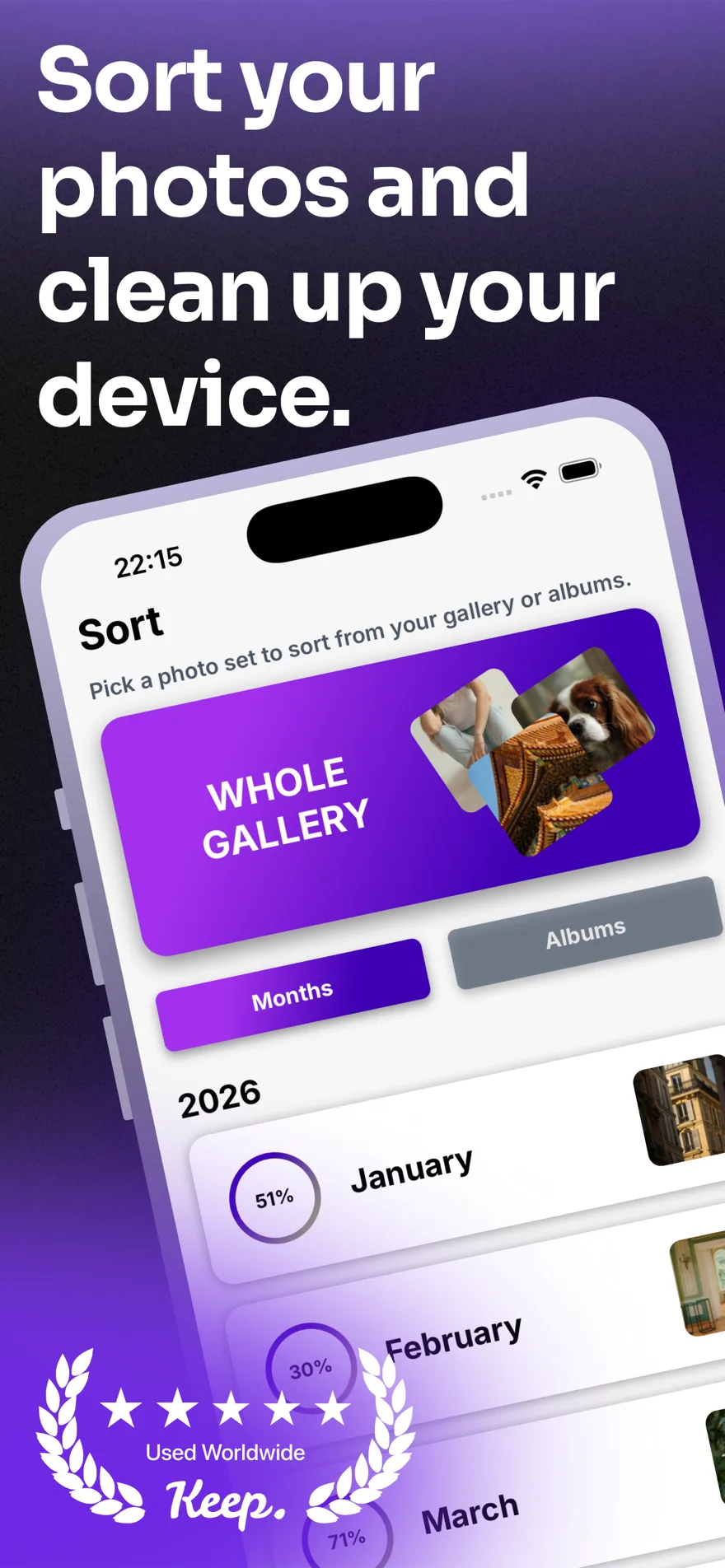
Sort by month or album
Tackle your library in manageable chunks instead of staring down thousands of photos at once.
Albums while you sort
Send keepers straight into an album mid-swipe. No extra steps needed.
Trash with a safety net
Removed photos wait in the Trash for review — nothing is permanently deleted until you confirm it there.
Undo anytime
Change your mind about any removal, or reset your sorting progress whenever you like.
Storage you can see
See exactly how much space you've freed up after each cleanup.
Private by design
Keep. never uploads your photos. Everything is processed and stored on your device — no cloud, no tracking, no exceptions.
FAQ
Questions, answered.
Everything you need to know about Keep. before you start swiping.